# Instance Creation Failure
Instance creation can fail in a Linux / KVM environment if the Image Library host is configured using DHCP, and the IP address changes when the lease is renewed.
## Updating IP address of Glance Image Library endpoint in KVM environment
If you are using KVM as your hypervisor, wait for 30-60 seconds after a restart of the Image Library host.
Once the connection with the control plane has been reestablished, follow the steps given below.
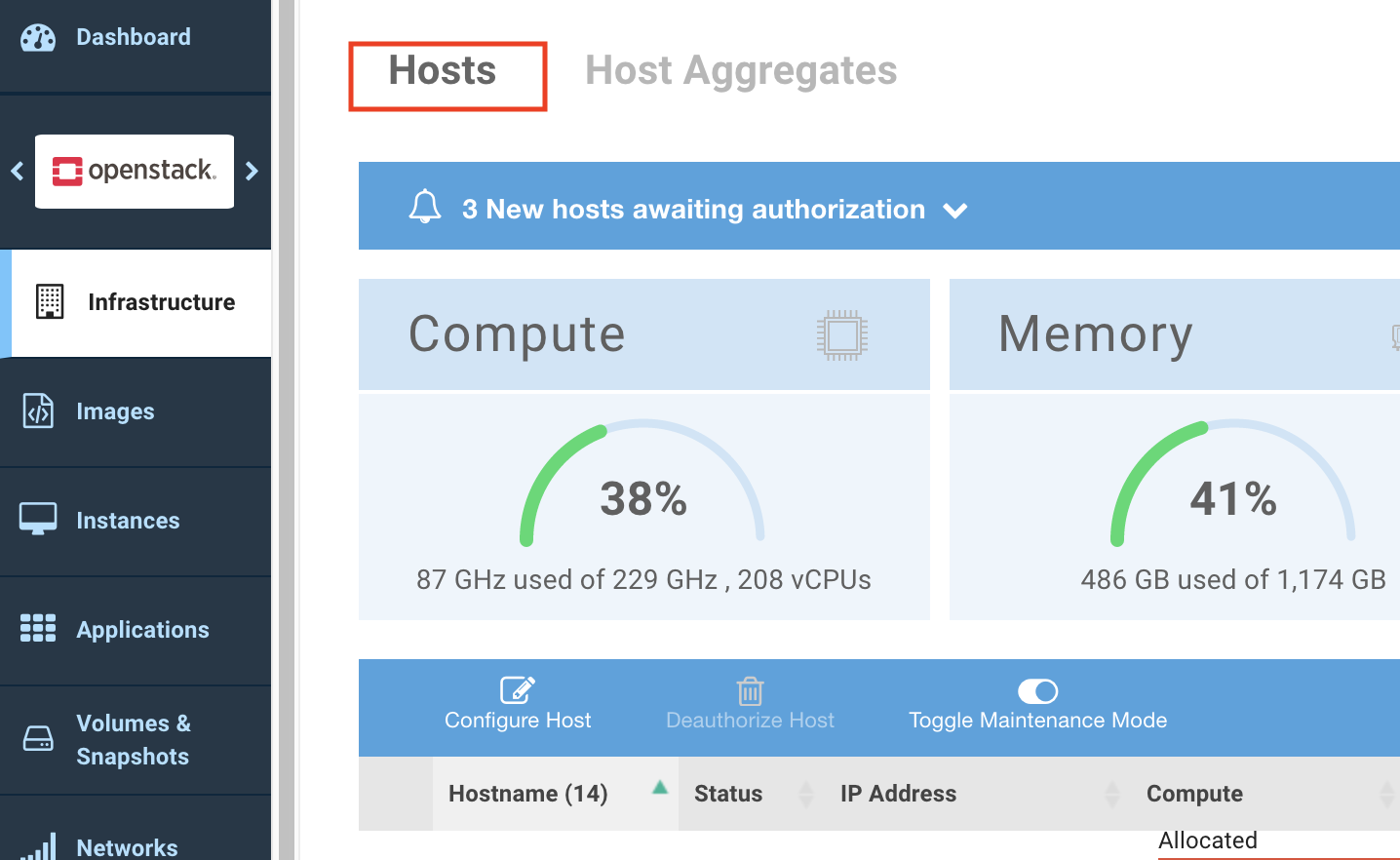
1\. Navigate to Infrastructure>Hosts.
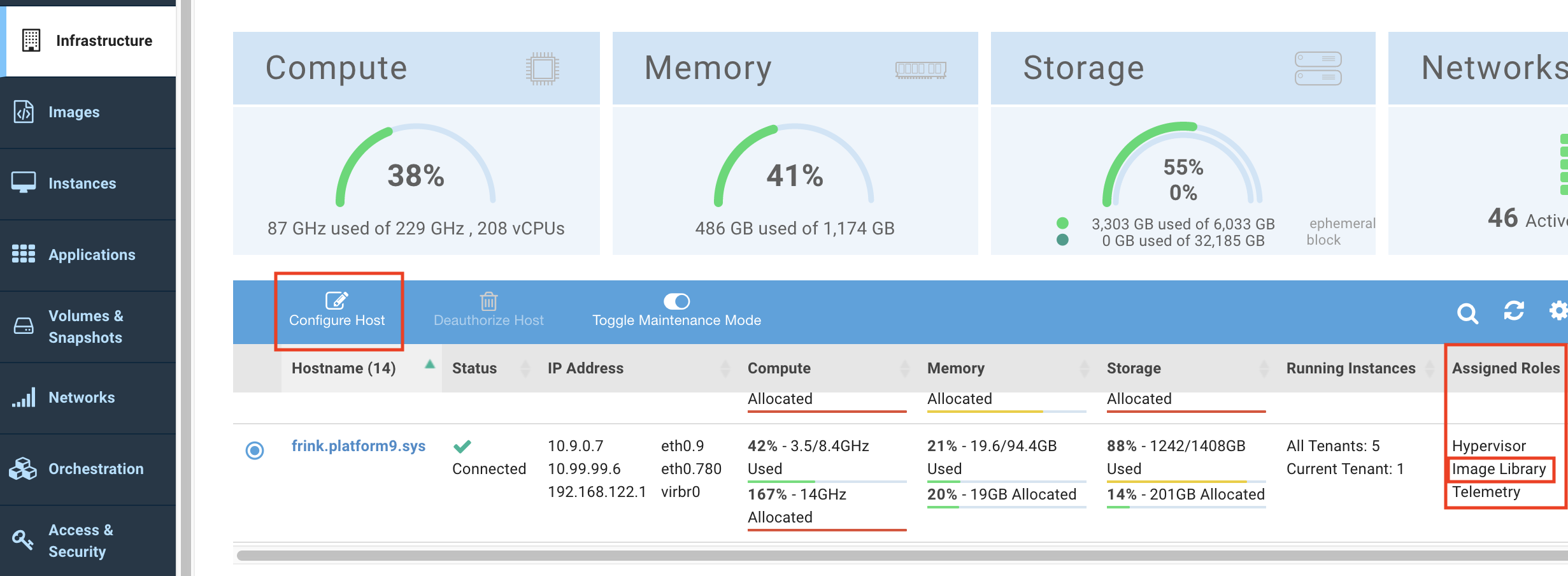
2\. Select the Host machine that hosts the Image Library from the list of hosts.
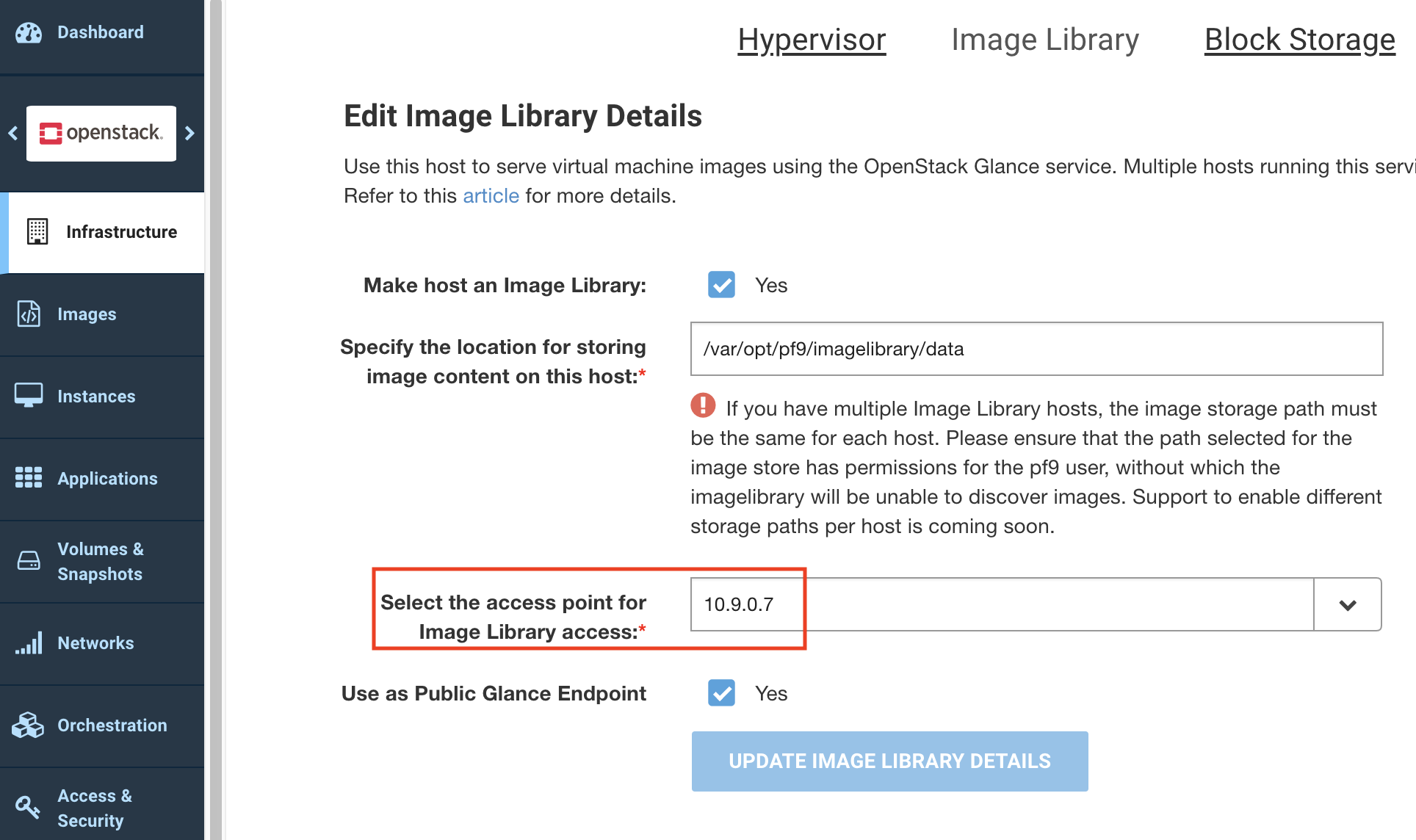
3\. Click Image Library tab and select the access point for Image Library access from the available list of options. Select the updated IP address.
4\. Click Update Image Library details.
The Image Library settings are updated successfully and you can create instances from the images in the Image Library.